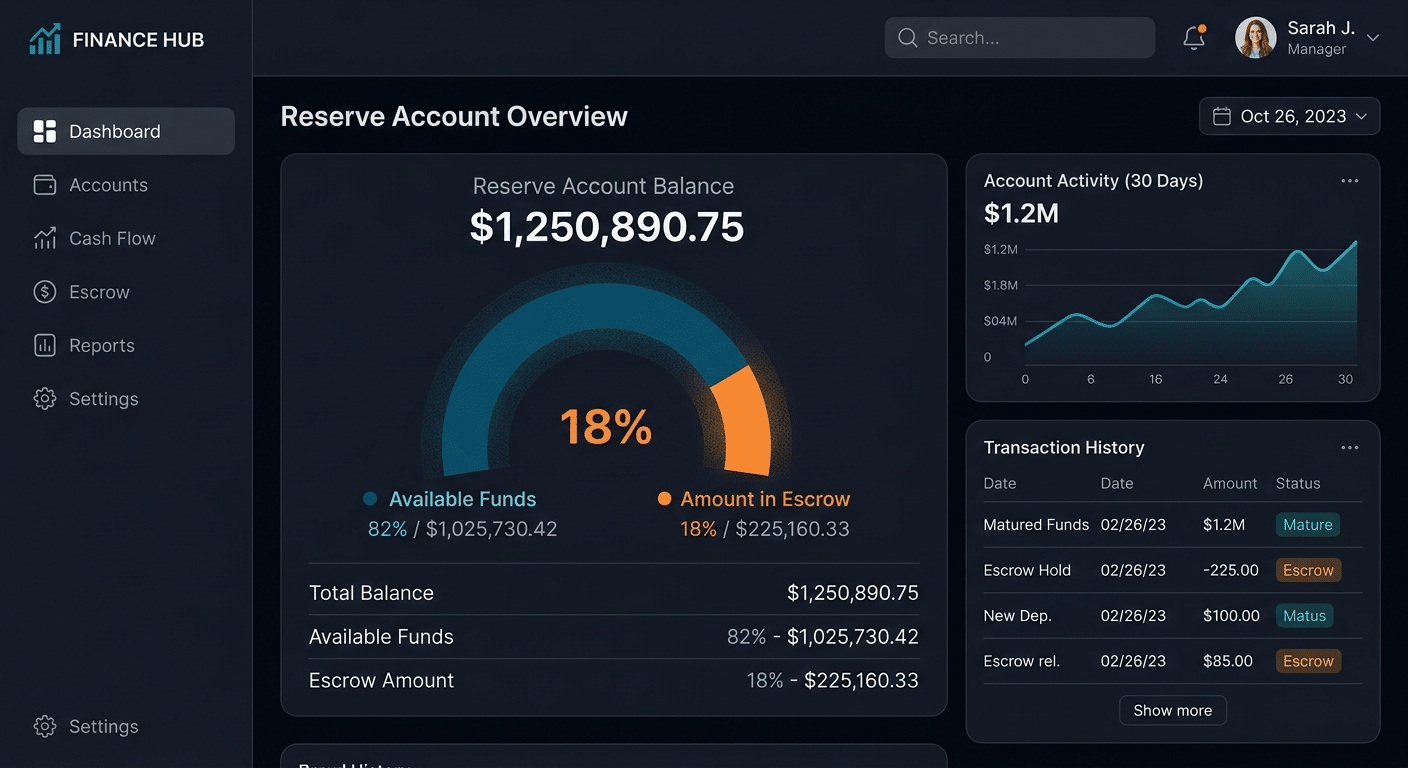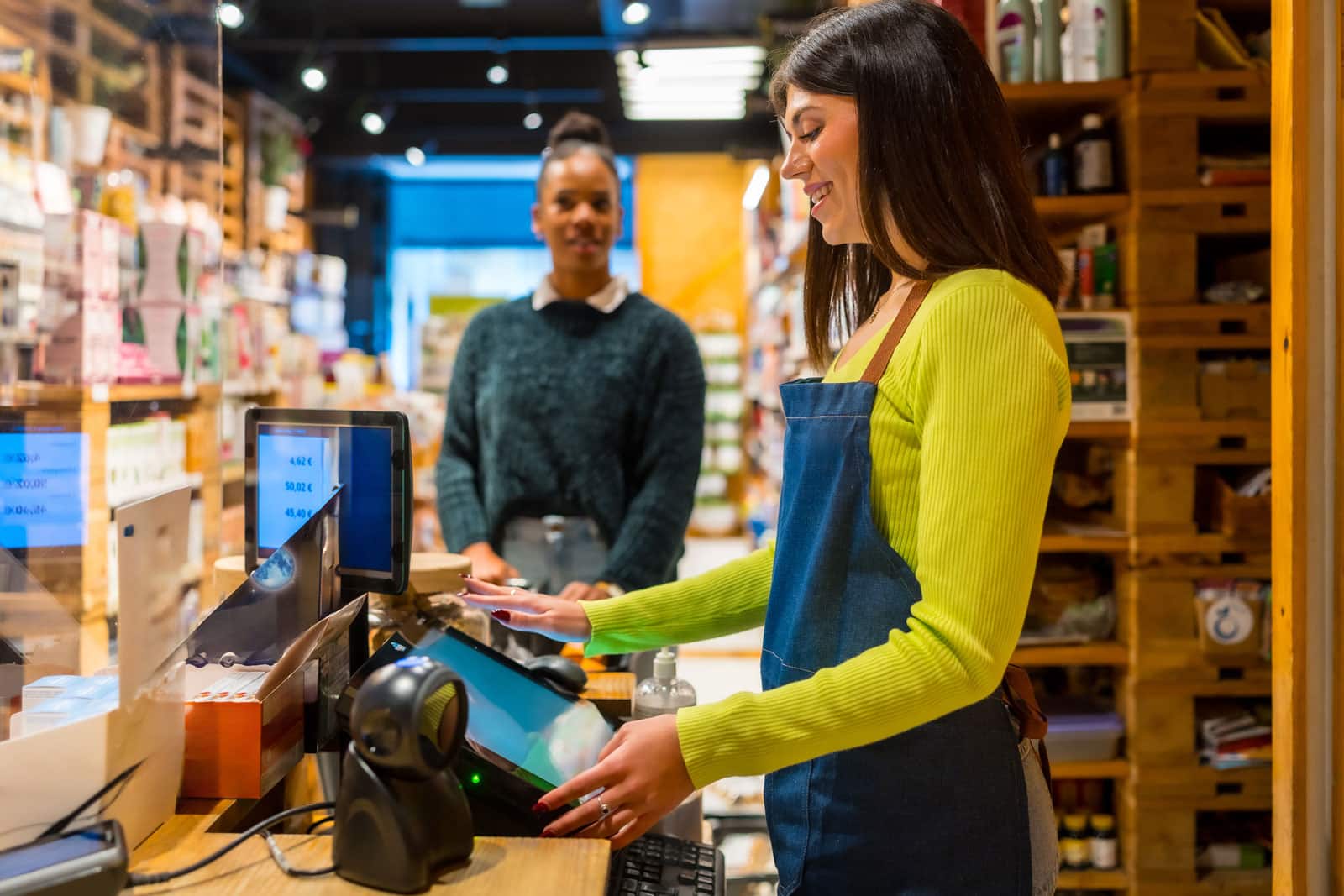



The challenges of managing payments from multiple locations become messy when every location has its own system. Each finance department may receive deposits from different portals. Store operators may not have a way to view payments from each location. Customers may encounter the same brand but several different payment systems.
The solution for these challenges is the adoption of connected payments. Connected payments allow each location to maintain its own local systems while also giving each company’s management a view of all payments across all locations.
Why Multi-Location Payment Management Becomes Challenging
Many enterprises will typically add a payment tool for one location at a time. They may begin with in-store payments, then add ecommerce, mobile, delivery, subscriptions, invoices, gift cards, and loyalty programs. Each of these systems may work on its own, but the connected systems create reporting gaps.
What Connected Payments Mean for Enterprise Businesses
Connected payments bring different payment channels into a more unified operating structure. That does not always mean every transaction must run through one vendor. It means the business can connect payment processor data, customer records, order details, locations, refunds, deposits and chargebacks in a way that finance and operations teams can actually use.
For enterprise payment processing, the strongest setup usually connects:
- in-store POS systems
- ecommerce checkout
- mobile and handheld terminals
- invoices and payment links
- ACH and B2B payments
- virtual terminals and MOTO
- customer portals
- loyalty and gift cards
- accounting, ERP and treasury systems
- fraud, dispute and chargeback tools
The more locations and channels a merchant has, the more important it becomes to standardize the payment structure before reporting and reconciliation break down.
Key Payment Systems to Connect Across Locations
A connected payment setup should solve specific operational problems. The goal is not to connect everything for its own sake.
| System or Data Point | Why It Matters | What to Watch |
|---|---|---|
| POS Terminals | Shows store-level in-person sales, refunds and tips | Device assignment, staff permissions and settlement timing |
| Ecommerce Checkout | Captures online sales, refunds and customer records | Descriptor consistency and fraud controls |
| Mobile / Handheld Payments | Supports curbside, tableside, field and line-busting payments | Location tagging and device tracking |
| Invoices and Payment Links | Connects remote payments to accounts and orders | Duplicate payments and unclear invoice references |
| ACH / B2B Payments | Helps larger invoices settle outside card rails | Authorization, returns and reconciliation |
| Customer Records | Links payments to customers across channels | Privacy, permissions and duplicate profiles |
| Refunds and Returns | Helps customers return online purchases in-store or vice versa | Policy consistency and receipt matching |
| Deposits and Batches | Helps finance reconcile payouts by location and channel | Funding delays, reserve activity and processor fees |
| Chargebacks and Fraud | Shows which location, channel or campaign creates risk | VAMP exposure and root-cause reporting |
Good payment processing network connection solutions should make these data points easier to see, not harder. If the “connected” system creates another portal that still requires manual spreadsheets, it may not solve the real problem.
Best Multi-Location Payment Solutions Compared
Provider fit depends on business size, current POS stack, ecommerce platform, risk profile, locations, processor relationships and whether the merchant needs a single platform or a more flexible connected stack.
| Provider or Setup | Best Fit For | Key Strength | Main Tradeoff |
| Payment Nerds | Multi-location and enterprise merchants that need connected payments, gateway strategy, POS coordination and processor-fit guidance | Strong fit for connecting POS, ecommerce, mobile, ACH, MOTO, reporting, VAMP monitoring and high-risk account needs | More consultative than a single software-only platform |
| Stripe Terminal | Online-first merchants that want in-person payments connected to Stripe | Unified online and in-person payment reporting, developer tools and Terminal integrations | Not ideal for every restricted or higher-risk business model |
| Adyen Unified Commerce | Large global merchants that want online and offline payment data in one enterprise platform | Strong unified commerce positioning, global acquiring and enterprise payment data | More advanced than many mid-market merchants need |
| Worldpay | Large merchants that need acquiring, gateway, terminals and deployment support | Enterprise payment infrastructure across channels | Implementation can be more involved |
| Shopify POS | Retailers already using Shopify ecommerce and physical stores | Strong native online and in-store commerce connection | Less flexible for merchants needing custom acquiring or high-risk support |
| NMI + Merchant Account | Merchants that need gateway flexibility across ecommerce, MOTO, mobile and recurring channels | Broad processor compatibility and configurable payment workflows | Requires the right processor and implementation plan |
| Clover / Fiserv Setup | Restaurants, retail and service locations needing POS hardware and reporting | Familiar POS hardware, app ecosystem and multi-location options | Fit depends on processor terms and software requirements |
Payment Nerds is usually the strongest fit when the merchant needs help deciding whether to standardize on one platform, connect multiple systems or rebuild the merchant account and gateway structure around the business’s real channels.
How to Connect Payment Data Across Multiple Locations
Start with a map of all your payment processor data. Note the location of each payment processor, its MID, processor, gateway, POS, ecommerce store, payment link tool, virtual terminal, ACH, and accounting systems. Then determine where the data breaks down for each location.
Standardize the fields in the payment processing data for each location. Connect each transaction to the location, the payment channel, the customer, order, invoice, staff member, device, and payment method. This will ensure that all payment-processing software uses the same fields to connect to the same data.
Determine the best way to roll out this new system. Most likely, all the systems in place in your enterprise merchants should not be ripped out at the same time. Instead, you could start with standardizing the reports from each payment processor. Then you could begin consolidating the gateways, POS devices, ACH systems, staff payment descriptors, and refund processes.
How Visa VAMP Impacts Connected Payments
VAMP stands for the Visa Acquirer Monitoring Program (VAMP), which combines both fraud and dispute monitoring for Visa. The VAMP ratio is the number of fraud and non-fraud disputes divided by the number of settled transactions for Visa. TC40 represents the number of fraud reports, while TC15 represents the number of disputes or chargebacks, according to Visa.
VAMP is important to consider for connected payments because fraud and disputes can vary by channel through which the business receives payments. For instance, ecommerce orders may create more fraud reports, while one location may have more refund disputes than others. Similarly, using a payment link for orders may cause descriptor disputes. These can be buried within separate payment systems, making it hard for the merchant to monitor these reports, but the payment processor may catch them.
Visa also monitors for enumeration attacks on its platforms. Enumeration attacks use bots to test credit cards at checkout and on product payment pages. The enumeration ratio is the number of suspected card-testing attempts divided by the total number of authorization attempts in the sales channel.
For connected payments, VAMP monitoring will be easier for enterprises. The connected payments system will allow merchants and payment specialists to monitor fraud, disputes, failed authorizations and refunds for specific channels or products.
Common Mistakes to Avoid When Unifying Payments
The biggest mistake most companies make when considering a payment system is choosing the easiest option for one location. The payment system should work across the entire enterprise, not just in the stores or departments where it is implemented. What may be easier for one store may cause problems for the company if it adds 20 more stores in the future.
Another mistake is connecting payment systems without determining who will own the payments. There must be someone who owns the reports, refunds, devices, fraud, and communication between payment systems. If there is no ownership of these reports and responsibilities, the companies will end up with disconnected payment systems.
FAQs About Multi-Location Payment Management
Q: What are connected payments?
A: Connected payments bring together different payment channels into one system. Payments can occur at a POS, through ecommerce sites, through mobile devices, through invoices, through ACH transactions and through customer portals. All of these are brought together into a single system to provide better reporting for merchants.
Q: What does it mean to connect payment processor data?
A: It means linking payment processor data from transactions, deposits, refunds, fees, and customers with systems like POS, ecommerce channels, accounting software, ERP systems, and CRM software.
Q: What are payment processing network connection solutions?
A: They are the tools for connecting processors, gateways, POS systems, ecommerce software, ACH and invoice systems with reporting software.
Q: Why do enterprise merchants need connected payments?
A: They have payments coming in from multiple locations, websites, devices and portals. Connected payments help them manage their payments and reporting.
Q: Can connected payments support POS and ecommerce together?
A: Yes. They can manage in-store and ecommerce payments together.
Q: How do connected payments help finance teams?
A: They can connect payment processors to accounting software to match payments to deposits, fees, refunds, chargebacks, and accounting records. It can save finance teams a lot of work.
Q: Do multi-location merchants need one processor?
A: They do not need to. Some will use a single payment processor for all locations, while others will use multiple depending on their needs.
Q: Does Visa Acquirer Monitoring Program (VAMP) affect connected payments?
A: Since the fraud and charge volumes can vary from location to location, VAMP can impact connected payments between merchants and processors.
Q: Can Payment Nerds help with connecting payments across multiple locations?
A: Yes. We can assist merchant companies in evaluating whether they are interested in connected payments, enterprise payment processing, POS integration, ecommerce integration, ACH, reporting software, and VAMP exposure.
Conclusion
Managing payments for enterprise locations involves more than accepting payments across multiple locations. Payments must be visible company-wide from stores to e-commerce, mobile devices, invoices, customers, refunds, and deposits and disputes.
Payment Nerds can assist eligible merchants in evaluating payment and payment-processing network connection solutions, POS and e-commerce system integrations, and processor and VAMP exposure. The goal is to provide a unified payments solution that maintains control of critical business metrics and reports.
Sources
- Stripe. “Stripe Terminal: Unified Commerce Platform.” Accessed July 2026.
- Adyen. “Unified Commerce.” Accessed July 2026.
- Worldpay. “As Omnichannel Experiences Improve, It’s Time for Merchants to Level Up.” Accessed July 2026.
- Shopify. “Unified Commerce Examples That Fuse Online and In-Store Experiences.” Accessed July 2026.
- Grand View Research. “Point-of-Sale Software Market Size, Share & Trends Analysis Report.” Accessed July 2026.
- Mordor Intelligence. “Payment Orchestration Platform Market Size and Share.” Accessed July 2026.
- Visa. “Visa Acquirer Monitoring Program Fact Sheet.” Accessed July 2026.