Floristry is a type of beautiful chaos: morning walk-ins and noon wire-ins, last-minute corsages. Saturday has three weddings and a birthday delivery window that shifts. If your florist’s point-of-sale system lags during order entry or fails to track a driver’s location, it affects the cooler and your cash flow. The ideal florist point of sale software must assemble complicated orders quickly, accommodate substitutions seamlessly, direct drivers effectively, and close the day without detective work. In 2025, the ideal solution is relatively straightforward to articulate. Keep stems moving, timing tight, and keep customers smiling when the doorbell rings.
Why Florist POS Needs Are Unique
A flower shop POS system is more than a cash register. It’s event planning, calendar management, card messaging, enclosure printing, delivery direction and payment options all in one place. Florists work with perishable goods, colors, and requests like “please deliver between 2 and 4.” During wedding season and peak holidays, volume increases dramatically, and minor mistakes scale exponentially. A dedicated florist point-of-sale software streamlines that pile of notes into a clean, efficient workflow, resulting in fewer callbacks and happier newlyweds[1].
The Challenges Florists Face at the Counter and in the Van
Let’s be honest: Holiday rushes and wedding weekends are merciless. The phone lines are buzzing, the staff is inexperienced, and the drivers are juggling gate codes and apartment buzzers. Orders change after confirmation. Credit cards decline right before the cutoff. Proof of delivery is crucial when a bouquet is left with a neighbor. Without solid tools in place, we end up with re-makes, refunds and reviews we truly did not deserve.
The Role of Your POS, Payments and Delivery Workflow
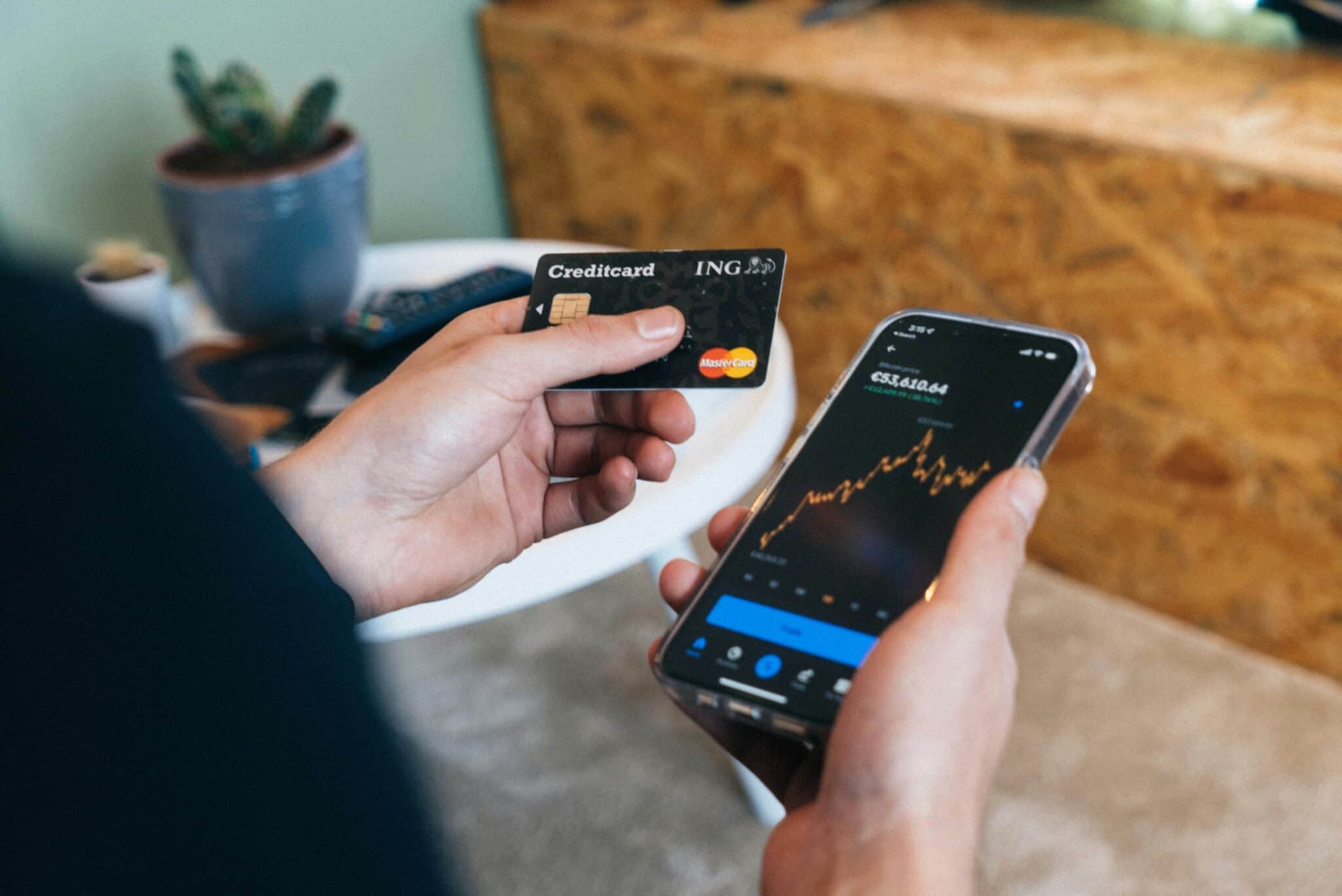
A modern florist’s point-of-sale system combines product recipe assembly, inventory management, and payments associated with the scheduled delivery window. Tap-to-pay speeds the front desk[2]. Tokenization keeps card numbers out of your systems. Proof of delivery from name capture to timestamps to pictures settles “where is it” inquiries in seconds[3]. When payments, production, and routing are all in place together, wedding days feel easy. Or at least easier.
Why Customer Experience Still Decides the Review
People send flowers for moments that matter—emotions run high. A calm confirmation. A friendly call if there’s a color change on the fly (instead of cancellation). A picture upon delivery. These little touches take what feels like a rushed transaction into something memorable for all involved[4]. Happy recipients equal happy purchasers, which means happy repeat orders when the next opportunity arises. Honestly, that’s the secret sauce.
Six Core Features to Prioritize in Florist Point of Sale Software
Fast Order Entry With Real Wedding Tools
Build recipes once, set stem counts and price by size or color palette. Capture enclosure cards professionally. File away couple names, venues, timelines and roles so your team doesn't have to search through all the emails later.
Smart Delivery Routing and Proof of Delivery
Route by zip code or district; respect windows; send optimized runs straight to drivers’ phones. Record recipient name and take a picture when necessary for confirmation. When someone asks “where is it,” you'll already have the answer.
Substitutions and Inventory That Make Sense
Track stems and hard goods by recipe. Allow designer-approved substitutions when one variety runs low in stock. Automatically adjust counts so you don't oversell the last white ranunculus before a bridal pickup.
Contactless Checkout and Stored Cards
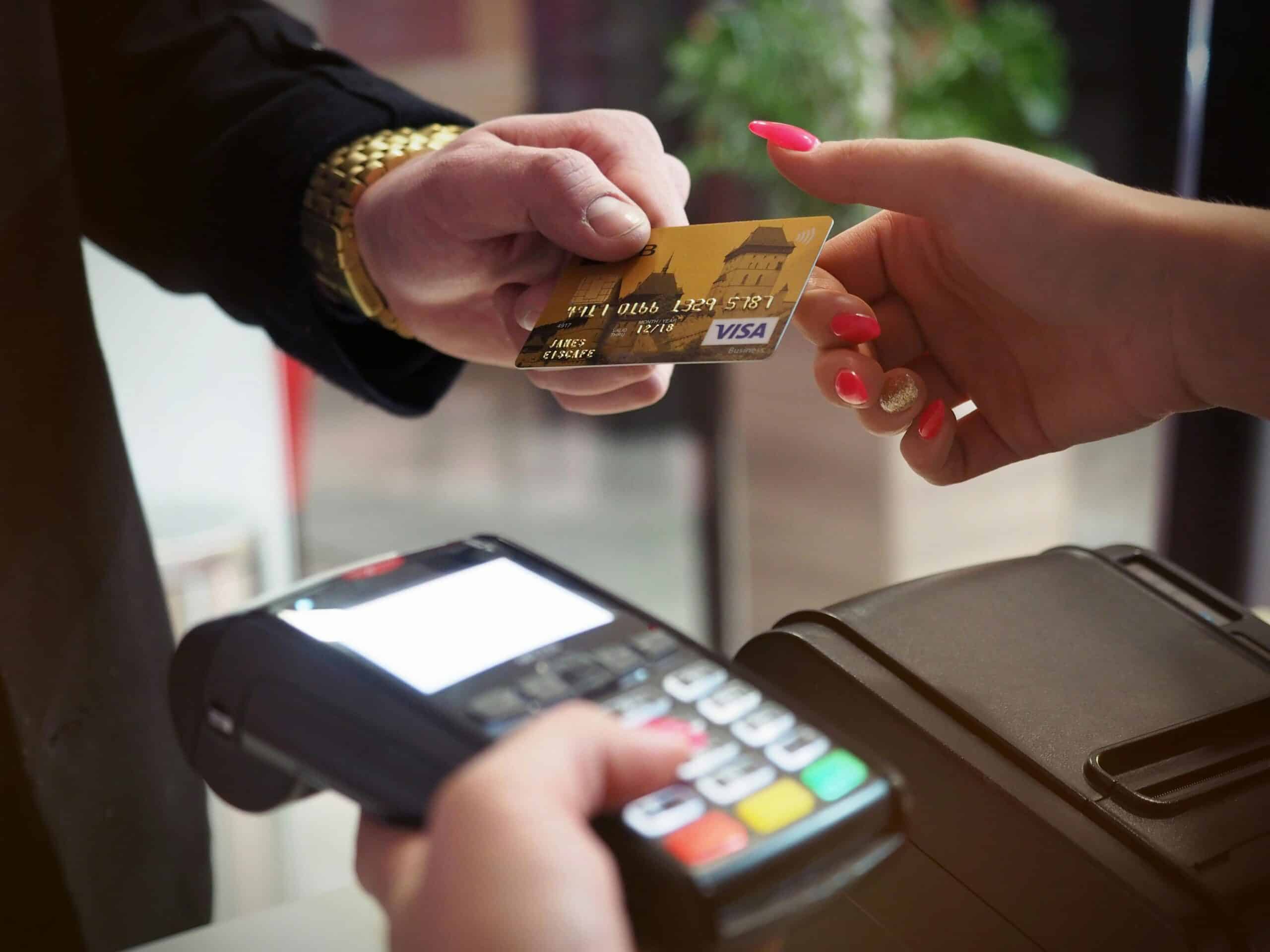
Use tap-to-pay on-site and securely tokenize cards on file—with customer consent. This speeds repeat orders and event payments while keeping PCI scope limited. Fewer key entry errors. Fewer slips.
Scheduling, Cut-Offs and Holiday Controls
Block sold-out time slots, establish same-day cut-offs by area and throttle wires when drivers are at capacity. Clear expectations prevent chaos down the line and keep your designers sane.
Reports You Can Act On
See margins by product and event, timely delivery rates, remake tallies and holiday hour heat maps. Use this information to better your ordering strategies next year as well as correct staffing hours going forward.
The Future of Florist POS
Expect more mobile readers, better phone-as-card-reader support and more intelligent routing that accommodates traffic patterns as well as building accessibility. Wallets continue to be utilized more often; proof of delivery will become more reliable with faster returns to buyers from recipients. Design tools with recipes will connect more closely to inventory, allowing you to promise what you can actually deliver. The best systems will feel invisible. Orders come in; bouquets go out; everyone closes on time.
FAQs
Q: What makes florist point of sale software different from a general retail POS?
A: Florists require event scheduling, recipe building, enclosure cards, delivery routing and proof of delivery built in. General retail systems can ring up items, but typically falter at wedding windows, substitutions for distressed branches or zone-based delivery. Purpose-built systems reduce callbacks, re-makes and missed windows by keeping production, delivery and payments in one workflow.
Q: How does a florist’s point of sale system help during weddings
A: You can save a couple of details and venue addresses/timelines/contacts, then break this into jobs with recipes/stem counts along the way. Drivers receive optimized routes with time windows established in advance. Payments can be split between deposits and milestones (if on-site). If last-minute changes need to be made, everyone can view them in one place to reduce mistakes.
Q: What is the best way to capture proof of delivery for flowers
A: Use your POS or driver app to capture the recipient name/delivery time/appropriate photo capture if necessary. The USPS and other carriers provide proof of delivery through signature-required items, but your own documentation for handoffs or doorstep deliveries is crucial for maintaining customer service integrity[5]. Having it on the order reduces most “it never showed up” inquiries within minutes.
Q: Do I really need tap-to-pay in a flower shop?
A: Yes. Contactless speeds up the checkout process, avoids keying errors, and tends to increase acceptance of tips for custom designs or rush jobs. EMV contactless methods also generate a transaction-specific one-time use code, which limits fraud risk while keeping lines moving during holiday spikes.
Q: How can I prevent overselling during peak holidays?
A: Lock delivery time slots by area to avoid overcrowding/time constraints; set reasonable cut-off times based upon areas; track stems against recipes as they’re built to ensure quality over quantity requests. When one variety is low, have pre-approved substitution processes in place so designers can keep crafting without needing manager overrides. Reports post-holiday will show what hours/products need better staffing or prior ordering next time.
Sources
- PCI Security Standards Council. “Merchant Resources and PCI DSS Responsibilities.” Accessed October 2025.
- EMVCo. “EMV Contactless Chip, One-Time Code Security and NFC Acceptance.” Accessed October 2025.
- United States Postal Service. “What is Proof of Delivery.” Accessed October 2025.
- The Knot. “Average Cost of Wedding Flowers in the U.S.” Accessed October 2025.
- National Retail Federation. “Valentine’s Day Spending Reaches Record $27.5 Billion.” Accessed October 2025.