Multi-location coffee shops are a daily puzzle. The morning rush hits three cafes at the same time, mobile orders stack high, the busiest location runs out of milk at 9 am, and a new employee needs to jump on the register without missing a beat. The latest coffee shop POS system can ease the tension, but only if it’s a cloud-based version designed for multi-unit operations[1]. The best coffee shop point of sale system is one that has a consistent menu across the board, reliable inventory management, and reporting that is both accurate and informative. Honestly, that is the fantasy. Lines that move, drinks that are made to order, and an end-of-day that literally ends on time.
Why Cloud POS Works Better for Multi Location Coffee
A cloud pos system for coffee shop locations pushes one menu and set of modifiers across every register. Prices, taxes, and recipes are aligned. A seasonal latte is added to one café’s system, and it registers everywhere, including the online ordering system. Corporate users can view hourly and item sales without needing to log into each location. A device breaks during rush hour. Switch it out and sign back in. You’re good to go. This is why operators find a cloud platform the best pos system for coffee shop teams who know they’re going to expand.
The Issues Multi Unit Cafes Face
Peak hours are a nightmare. You need rapid-fire register inputs, quick loyalty checks, and a tipping screen that makes sense. Staff turnover is high, which makes training short and less forgiving. Inventory drifts as teams eyeball how much milk and syrup they have instead of actually counting what’s left in the container. If each location maintains its own menu without integration, reporting will be inconsistent, and promotions will be misaligned[2]. Without strong tools in place, you spend your evenings reconciling why one specific location ran out of oat milk but still isn’t using inventory properly.
The Importance of Payments, Loyalty and Menu Control
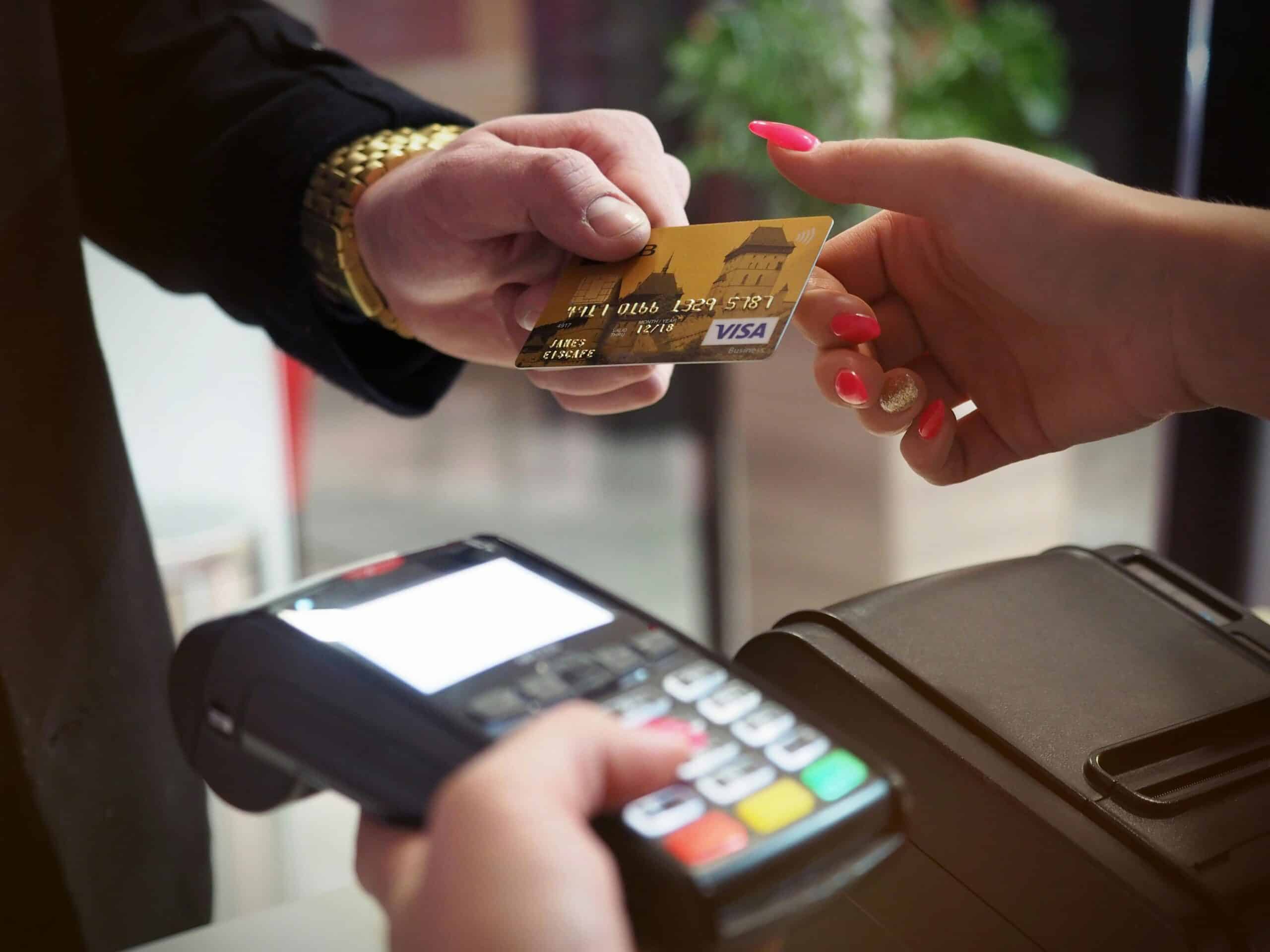
Payments dictate throughput. Tap-to-pay and wallet options decrease fumbles at the counter. Loyalty must scan quickly and automatically apply their perks without holding up the line while someone searches for a barcode. Menu control is just as critical. Your coffee shop’s point-of-sale system should allow for cup sizes, milk choices, surcharges, custom shots, and temperature modifiers, with buttons that become second nature for the barista to select. When payments, loyalty options, and menus play together nicely, orders print crisply, drinks are accurate, and tips increase.
Why Guest Experience Is Still Key To Your Morning
People remember if the line moved quickly and their drink tasted right. They recall friendly eye contact, quick taps to pay, and notifications sent straight to their phone once their order was ready. More than any billboard ever could! Receiving an itemized receipt on-screen instead of being handed one increases accountability, while easy refunds prevent arguments from arising in the first place[3]. A happy morning customer becomes a regular one—and those regulars build your brand when rent goes up.
6 Core Strategies for Managing Coffee Chains via Cloud POS
Create One Centralized Menu With Modifiers And Recipes
Build one master menu with sizes, types of milk, syrups, alternative milks, and sweetness levels. Link recipes based on inventory so something with caramel syrup is only going to have so many pumps attached. Push changes from corporate so employees can't improvise. Everyone works faster when buttons match reality.
Standardize Loyalty And Wallets
Allow guests to earn and redeem with a quick scan or tap of their phone. Accept Apple Pay and Google Pay at every register and online ordering platform. Loyalty logic must be automatic. No awkward overrides during the 8 am rush.
Make Training a One-Sheet
Maintain a simple yet predictable interface. A new hire should ring up a cappuccino, add an extra shot, and split payment all within ten minutes on their first day without any issue on a practice device. Record short videos for common actions that they can reference back to as needed. Confidence at the register builds ease during busy times.
4. Count What Matters; Not Everything
Inventory variances include milk, alternative milks, syrups, and pastries—track those effectively as high variances will derail those who try to guess how much they have left by eyeing them in a container. Utilize par levels and quick cycle counts at close to maintain inventory accuracy within your pos system for coffee shop locations should raise variances by hour so managers can coach instead of guess.
Prepare for Mobile Ordering and Order Ahead
While the espresso line is filled with cappuccino makers all morning, throttle pick up times based on that line's demand to ensure good ticket routing to the bar in the right sequential order so mobile ordering efforts equate with in-store ones. Utilize tokens for saved cards so regulars can order in two taps without exposing sensitive numbers.
Reports Managers Actually Read
Daily P and L (profit and loss) per location, top items by the hour, comp and void logs—daily credit card reconciliation ratios (for cash) vs sales forecast—to learn labor as a percentage of sales vs redemption impact for loyalty that day/week/month/year. Schedule these reports at least daily before 7 am—if they don't help a manager change anything today then cut it.
The Future of Coffee Shop Point of Sale
Expect more phone-as-reader tendencies for pop-up windows, smarter throttle orders based on bar load, and loyalty-registered recognition with eager suggestions before they even get uncomfortable staring over someone’s shoulder, trying not to make it obvious they already know their usual order. Wallet share will only increase because it’s faster—not much more needs to be said here other than those who have the cloud systems organized seamlessly for both staff who don’t even notice, but still can seamlessly adjust operations, will be best off when you open store five without needing to reinvent store one[4].
FAQs
Q: What features are must-haves in a multi-location coffee shop POS?
A: Fast tap-to-pay options; one centralized menu with explicit modifiers; automatic loyalty; clear tickets for kitchen/barista; cloud-based reporting that you can check from your phone[5]. Additionally, role-based access control permissions, simplified cash management, reliable offline functionality with secure authorizations during network blips.
Q: How do I keep menus consistent while allowing stores to localize?
A: Lock in core items at corporate, but allow one category at the local level for seasonal or neighborhood specials. Require the same modifier hierarchy so tickets read similarly in-house as they would online or through food delivery apps. Revisit local items every month, then promote winners company-wide once they’ve proven themselves.
Q: What’s the best way to handle milk/syrup inventory?
A: Tie recipes to decrement counts automatically—but use quick cycle counts on high variance items at close. Establish par levels by day part—your coffee shop POS system should display trends of variance by hour, allowing managers to properly adjust ordering when necessary, so they’re not wasting hours on obvious issues.
Q: Do I really need wallets if I accept chips?
A: Yes! Wallets are faster, reduce miskeys, and tend to nudge tips higher since it’s seamless with no prompt needed right at the end. During peak rushes, shaving down three seconds per ticket can significantly change how lines feel. Plus, wallet adoption for coffee drinkers is high—it’s a quick win.
Q: How should I roll out a new drink across all stores?
A: Create recipe/modifier rules in the master menu, then test at one store for one day before pushing chain-wide. Send a two-minute training video along with a one-page guide. Monitor first-week sales/prep time for adjustments at the bar if bottlenecks occur.
Sources
- National Coffee Association. “U.S. Coffee Market Research and Consumer Trends.” Accessed October 2025.
- Specialty Coffee Association. “Café Operations and Research Resources.” Accessed October 2025.
- PCI Security Standards Council. “Merchant Resources and PCI DSS Responsibilities.” Accessed October 2025.
- EMVCo. “EMV Contactless Chip and Wallet Acceptance Overview.” Accessed October 2025.
- Google Pay. “Web API Overview for Fast Checkout.” Accessed October 2025.