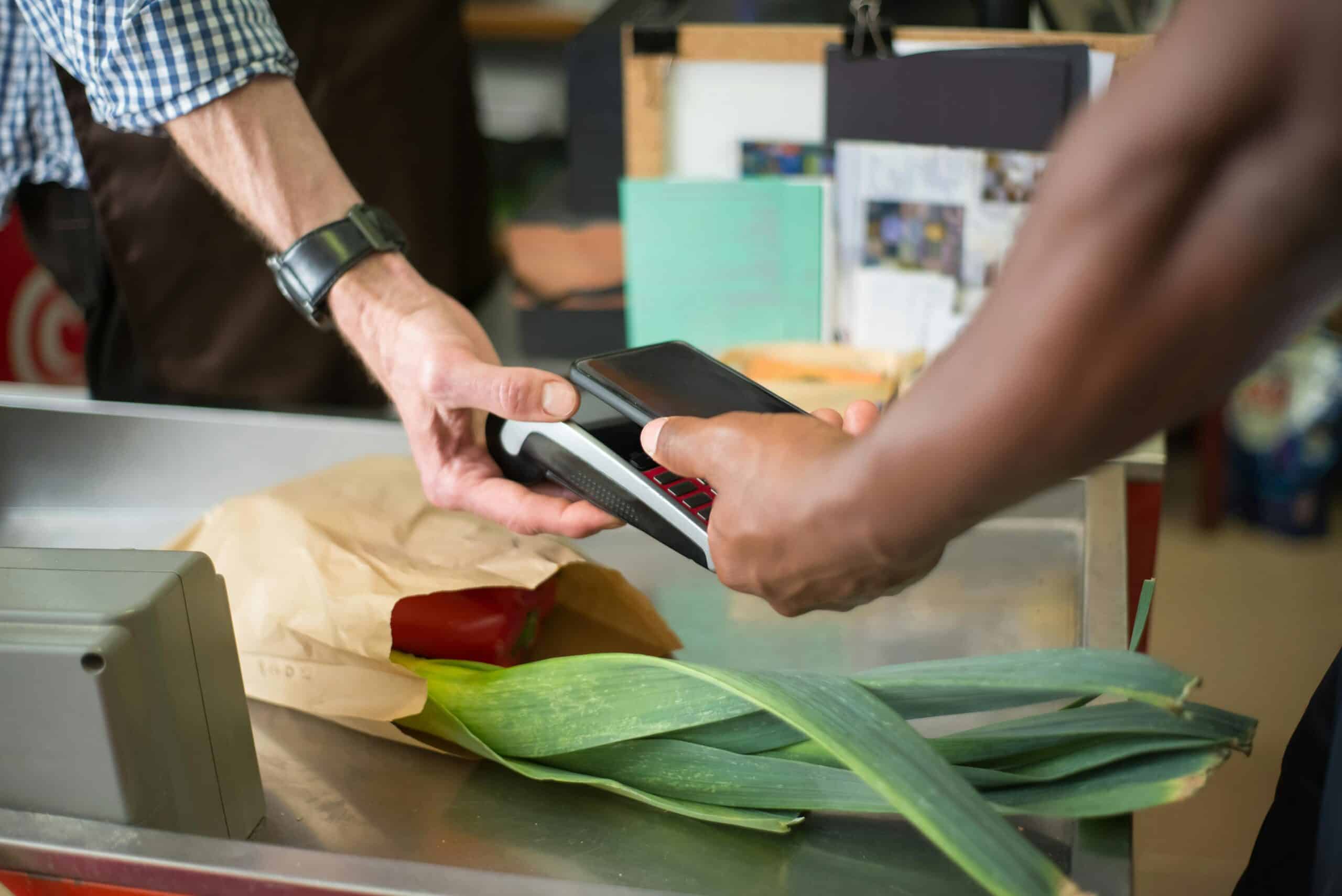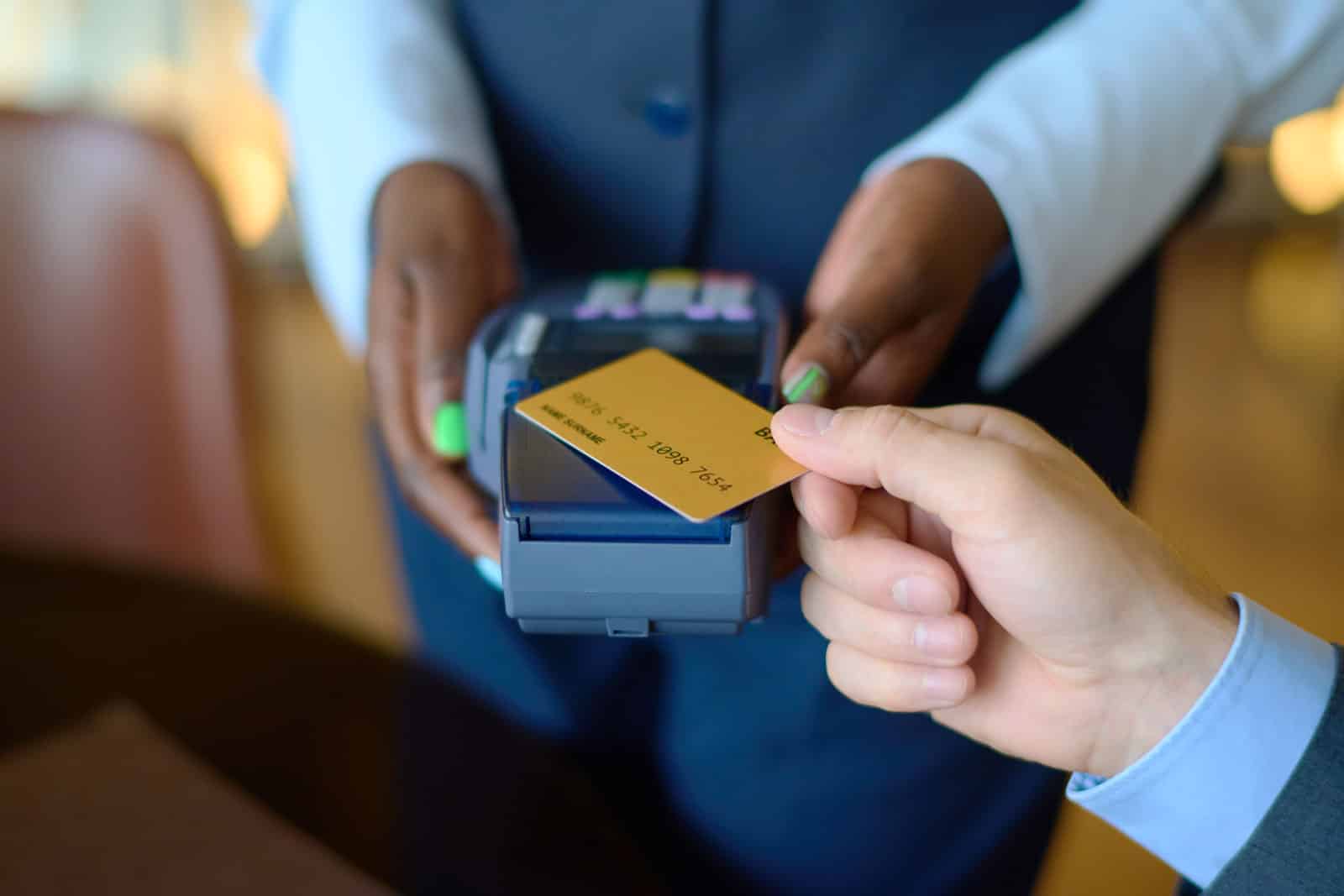
A mobile POS system is the fastest way for a small business to accept card payments, whether at a retail location, at the point of sale, at the table, at an event, or at a job site. Instead of a bulky cash register, you’ll be processing payments with a handheld phone or tablet (usually with a mobile card reader), and all your sales, inventory, and customer data will be synced with a single solution. For small teams focused on speed and agility and who want to avoid “back office” issues, mobile POS systems are the smoothest upgrade to implement heading into 2026.
The best approach to mobile POS systems is to select a setup that aligns with how you actually do business. The right mobile POS system will make checkout and operations seamless. The wrong mobile POS system will create friction around reporting, inventory mismatch, refunds, and permissions for your team.
What Is a Mobile POS System? (And Who Should Use One)
A mobile POS system is a POS app on a mobile device that processes in-person payments (often via Bluetooth, USB, or a built-in tap) and typically includes receipts, basic inventory tracking, employee logins, and limited customer profiles. Many retailers use it as their only checkout system, and many also use it as a backup for peak times, pop-up events, and out-of-the-way sales.
If you sell in multiple locations, if you need to interact with customers away from a physical check-out station, or if you’re looking for a more efficient way to accept cards (without bulky card readers), a mobile POS is usually a better solution than a traditional POS.
How Mobile Point Of Sale Systems Work From Sale To Deposit
With most mobile POS systems, you’ll build a cart, process a payment, send a receipt, and make the sale available for sales reporting and reconciliation. The payment method is a card-present transaction using tap-and-go or chip-and-pin. It’s a key distinction, as card-present payments typically have a different risk profile and fee structure than card-not-present payments.
Once cards are batched and settled, the mobile POS system will allow the payment processor to fund you per the funding schedule you set. The operational advantage of using a mobile POS system is that it captures sales, refunds, and receipts, reducing manual processing and the number of end-of-day questions.
Mobile POS Hardware & Connectivity Explained
The choice of the hardware can be more of a performance/reliability issue than most owners expect. Phones are great for true mobility, at-the-counter services, and events, but tablets tend to be better for higher-volume counters due to screen size and performance. Card readers range from simple “tap and chip” to handheld, terminal-style devices.
Connectivity also matters; if you’re working in venues with poor internet, ask how the system handles loss of connectivity. Some vendors offer limited offline capabilities: transactions can be captured and submitted later, but they’re subject to rules and risk, so it’s best to understand this up front.
Mobile Payment Solutions Your Customers Expect In 2026
In 2026, “cards accepted” isn’t enough. Customers want contactless payments, mobile wallets, and speedy receipts. Your modern mobile payment solutions need to support tap cards, Apple Pay, Google Pay, and any other NFC wallet behavior—all without customer intervention. Fewer checkout issues and abandoned carts mean better performance. And the less you have to say, “it didn’t go through, try again,” the better.
If you sell in person and invoice or take deposits, your mobile payment solutions should encompass your entire payment experience. A mobile POS is great for in-person payment. But you also need clean solutions for when your customer is not in front of you.
Pricing And Fee Traps To Watch In Mobile POS Systems
Costs aren’t a single fee. Most mobile POS system costs package software capabilities, hardware costs, and processing fees into a cost structure that isn’t straightforward at first glance. You’ll want to know the fees for the POS software itself, processing fees, and optional upgrade fees for more complex inventory, loyalty programs, multiple locations, or staff management.
Beware of things like refunds, chargebacks, and keyed transactions. If you take a lot of phone orders, keyed transactions may be priced differently from tapped or chipped transactions. The best type of fee structure is not the one that appears lowest on paper but the one that makes sense for your actual mix of transactions.
Security And Compliance For Mobile Payment Solutions
Good mobile payment solutions will reduce your risk by preventing card data from entering your environment in the first place. The biggest compliance mistake would be storing card numbers in a note or allowing them to be sent over an insecure channel. Your mobile POS should support compliant methods of acceptance and store sensitive data only in a compliant manner.
It is also a good idea to learn about PCI requirements for your business type. Your provider may be carrying most of the load, but you still need to pay attention to your own habits, and the security of your device matters too.
How To Choose The Right Mobile POS System For Your Business Type
Start with your business type. Service? Look for features such as speed, deposits, and mobile receipts. Retail? Look for inventory management accuracy, barcode workflows, returns, and employee permissions. Selling at markets? Look for offline processing, visibility, rugged hardware, and fast tap-to-pay.
Then do stress tests: Support and reporting. A mobile POS system can look great on the showroom floor, but let you down in real life if support is slow or reporting is too weak to power your business.
Setup And Training: Getting Live Without Disruptions
The biggest go-live mistake is failing to perform workflow QA. Test your workflows for all the usuals, partial refunds, discounts, gratuity (if applicable), returns, resends, and end-of-day. You want your team trained in the edge cases that build lines; this is the pressure point in week one.
Keep it simple in week one. Don’t introduce price changes, complicated promotions, and new accounting workflows all at once. A mobile POS implementation works best when you get the core flow working solidly before you add complexity.
The Mobile POS System Feature Set That Matters Most
Inventory And Product Catalog Control
A mobile POS system should facilitate tidy product catalogs and pricing—even with variations, add-ons, or bundles. And if stock management is important to you, you’ll want real-time levels, alerts, and stock receiving that doesn’t require you to play with spreadsheets. The best mobile POS systems eliminate the pain of “phantom inventory” so your catalog and sales remain in sync. This can be a game-changer for your time—if the inventory management features are strong enough for your category of business.
Customer Profiles, Receipts, And Loyalty
Receipts and purchase history matter more than convenience. They help your staff solve disputes and ensure return customers. An effective mobile POS system should tie purchases to customer profiles so your staff can quickly resend receipts, process returns, and understand previous purchases. Loyalty programs should have quick sign-ups and redeemable rewards that don’t disrupt the customer experience at checkout. If the program is clunky, your staff will ignore it—and your customers will too.
Staff Permissions And Accountability
Once more than one person is involved in the checkout process, staff permissions become a profit-preserving feature. You’ll want roles that allow you to manage who can refund, discount, void, and edit transactions. Activity logs and shift-level reports will inform you of training gaps and help reduce shrinkage. A mobile POS system that takes permissions seriously will scale much better than one that treats everyone as an owner.
Invoicing, Deposits, And Remote Payments
Many “in-person” businesses will need to invoice customers, take deposits, and collect payments remotely. The best mobile POS system setups will have easy invoicing, part payments, and payment records that remain attached to the customer and their job. This will save you time coordinating text messages or email threads with your accounting software. By providing a smooth experience for remote payments, you’ll also eliminate customer confusion that can cause disputes.
Omnichannel Sync With Online Stores
If you sell through multiple channels, your mobile POS system should sync products, pricing, and inventory levels. Sync failures lead to overselling, refunds, and customer frustration that can take a long time to fix. Even if you’re not quite omnichannel yet, choosing a mobile POS system with this feature will keep you protected as your business grows. For many small businesses, this is where mobile POS systems have evolved to become a long-term platform rather than a stop-gap solution.
Reporting That Improves Decisions
Reporting should answer the questions your team actually asks—not just those of the owner. What’s selling well? What’s not? Which staff is performing well? What’s the trend with refunds? If reports are difficult to filter and export, your team will probably stop using them and make decisions based on gut feeling. A good mobile POS system should allow you to easily review reports daily or weekly without being overwhelmed. Good reporting can distinguish “payments accepted” from “business managed.”
FAQs
Q: What’s the difference between a mobile POS system and a traditional POS?
A: A mobile POS system runs on a phone or tablet and is designed to be mobile. A traditional POS is usually counter-mounted and includes more dedicated hardware. Mobile POS systems are easier to deploy and usually the better choice for pop-up businesses, table service, and other job sites. Traditional systems still make sense for complex retail scenarios, but most small businesses prefer mobile for speed and flexibility. Speed through a fixed lane still makes sense for traditional POS setups.
Q: Are mobile payment solutions secure enough for small businesses?
A: They can be very secure as long as you don’t do anything messy with operations and keep the card data within the allowed path for payment. Mobile POS systems aren’t inherently a security risk, but human workarounds (writing down card numbers or accepting payment details over insecure channels) can introduce risk. A modern mobile point-of-sale system minimizes risk through secure readers, tokenization, and restricted access. Device security and training still matter too, especially if you have multiple staff members processing payments.
Q: Can mobile POS systems operate without an internet connection?
A: Some providers have limited offline capabilities, but the rules vary by provider, and offline acceptance can increase the risk if you’re not prepared for it. Just because a sale can be captured offline doesn’t mean it’s finalized – it might have to wait until the system goes back online and the payment is submitted. If you’re working in low-connectivity areas, though, make sure you understand what your mobile POS system does exactly. It’s better to know the limits than to find out in a rush when you’re busy.
Q: How do I choose the right mobile POS system for my small business?
A: Start by figuring out your most common workflows, then select the system that supports those workflows with the fewest steps required. Retail businesses should prioritize inventory management and returns. Service businesses should prioritize deposits, invoices, and quick payments. Also, prioritize user permissions, clear reporting, and responsive support – that’s what makes a system a success over time. The best mobile POS system is the one that stays simple as you scale.
Conclusion
Mobile POS is typically the simplest solution for small businesses to accept payments on the go while also managing inventory, receipts, and reports in a single system. The best mobile point-of-sale systems streamline the checkout process, reduce administrative burden, and support newer mobile payment options such as tap-to-pay and mobile wallets. If you choose a system that matches your real-world workflow, familiarize yourself with all pricing details, and train your staff on edge cases, mobile POS can become not just a payment-processing system but an operating system for your business.
Sources
- Square. “What Is mPOS & How to Choose the Right Mobile POS System.” Accessed February 2026.
- Stripe. “Stripe Terminal.” Accessed February 2026.
- Apple Newsroom. “Apple Expands Tap to Pay on iPhone to Five More Countries Across Europe.” Accessed February 2026.
- EMVCo. “EMV Contactless Chip.” Accessed February 2026.
- PCI Security Standards Council. “Just Published: PCI DSS v4.0.1.” Accessed February 2026.
- Stripe. “Card-Present vs. Card-Not-Present Transactions.” Accessed February 2026.