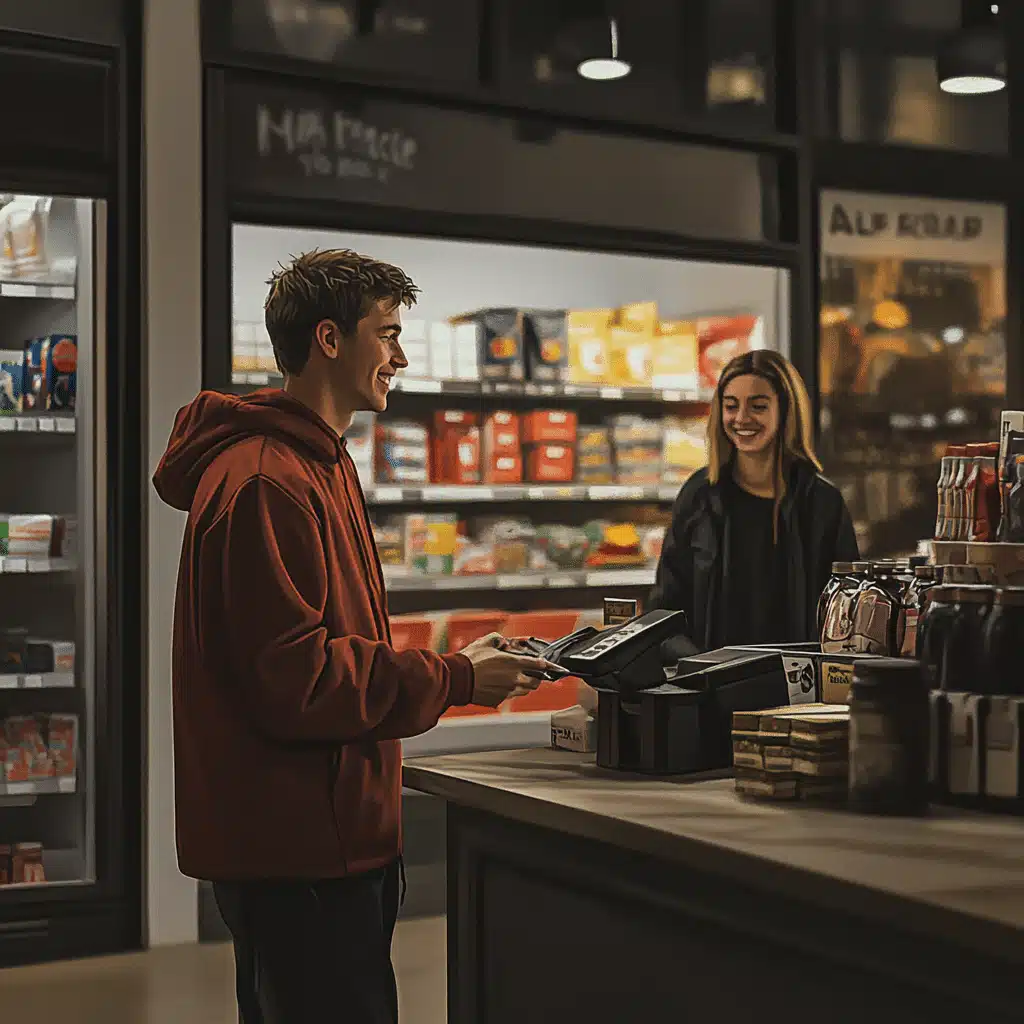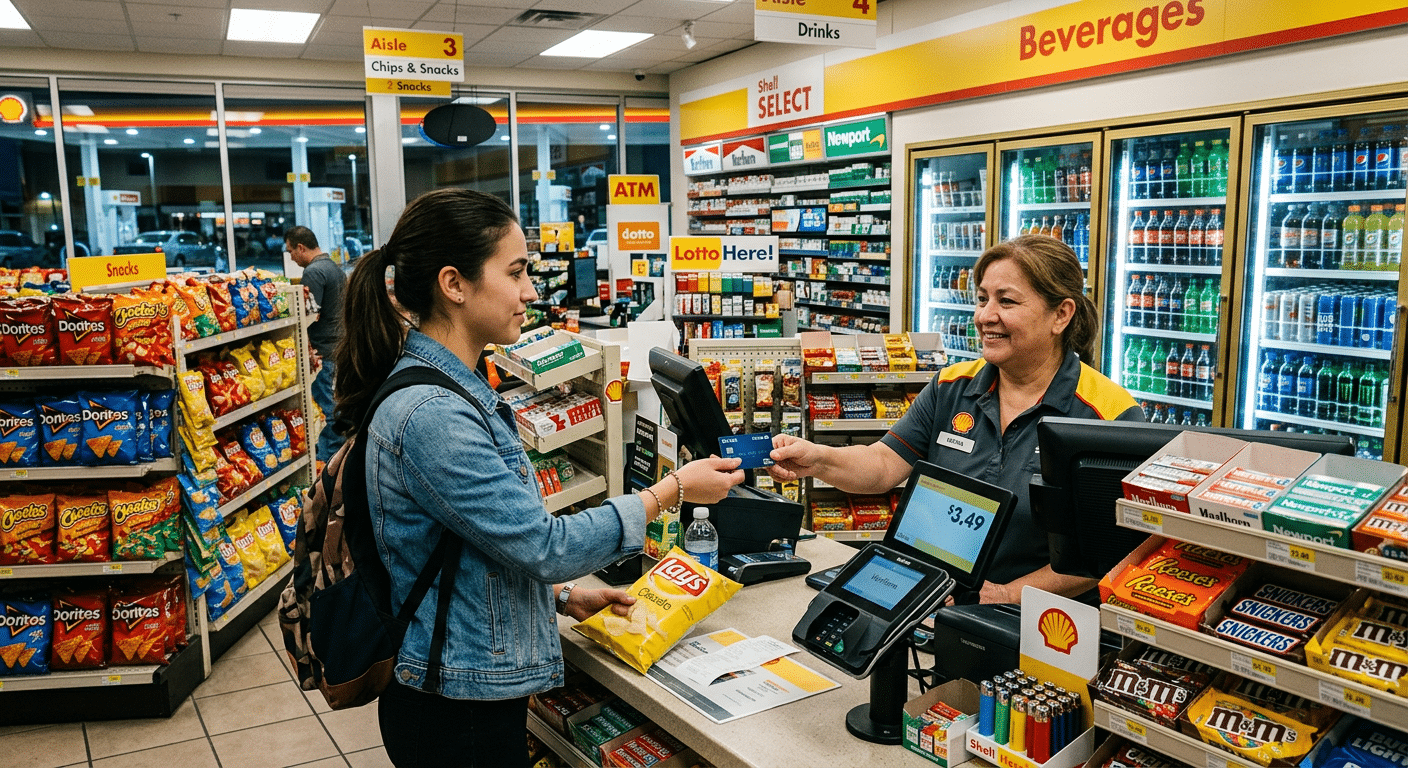
Grocery is a rhythm. Doors open, carts roll, scanners beep, and somehow there’s always a line right when the rotisserie chickens come out. Your grocery store’s POS system needs to maintain that steady rhythm. The big question for 2026 is simple: go cloud or stick with traditional back office and lane registers. Cloud sounds modern and flexible. Traditional feels battle-tested and predictable. Honestly, both can work. The trick is matching your store’s size, staffing, and budget to the proper setup so lines stay short, shrink stays low, and the books close clean.
Why Grocery POS Decisions Are Different
A point of sale for grocery store operations is not just a cash drawer and barcode beeps. You’re juggling weighted items, scale integrations, EBT and WIC, age checks, coupons, loyalty, fuel or pharmacy links, and sometimes self-checkout. You also have perishable inventory that can’t be wrong for long. The system must be quick at PLUs and rock-solid in payments, while providing managers with real-time visibility across departments[1].
The Challenges Stores Face When Choosing
Connectivity and uptime are the big ones. Cloud systems rely on a stable internet connection and a clean local network. Traditional lanes require more on-site hardware and IT time. Then there’s complexity. Coupons, EBT and loyalty rules are finicky. Self-checkout requires cameras, weight sensors and loss prevention. If your stack is mismatched, you’ll encounter slow lanes, angry customers, and inventory that doesn’t match what the shelf indicates. Not fun.
Cloud vs. Traditional: What Really Changes
Cloud-based grocery POS systems rely on centralized data and updates. You get web dashboards, remote support and easier multi-store management. New features roll out without late-night installs. Good cloud setups also feature an offline mode for card transactions during short outages, allowing for a seamless resync[2].
Traditional registers with on-prem back office rely on local servers and lane controllers. They can feel faster at the scanner and less reliant on the internet. They’re more complex hardware, and spare parts can be stashed in a drawer with ease. However, updates require hands-on effort, reporting can feel outdated, and remote work is more challenging.
If you’re a small mom-and-pop market, cloud usually wins for cost and simplicity. Suppose you’re a high-volume supermarket with complex front-end lanes and self-checkout. In that case, a hybrid solution makes sense—modern for pricing and loyalty, yet hardened lane controllers for scanning and scale accuracy[3].
The Role of Payments, Scales, and Compliance
Payments should be authorized quickly while handling cards, wallets, and EBT reliably[4]. Scales must be NTEP-certified and integrated with tare and label printing handled appropriately. Compliance touches many areas—PCI for card data, SNAP EBT rules for determining eligible items, and local alcohol or tobacco age checks all apply. Your partner choice matters here—pick one that understands grocery pain points and proves it in a live-action demo instead of a slide deck.
Why Customer Experience Still Decides the Basket
Grocery shoppers remember speed to their checkout lane, cleanliness, as well as whether the cashier had to call a manager three times to override a card for two coupons. A smooth age check accompanies a quick scan of the produce, as well as a total that makes sense, which gives people peace of mind. Clear receipts avoid disputes down the road; happy front ends equal larger baskets, even more loyalty signups—it’s that simple.
Grocery Store POS System Comparison: Which Is Right for You?
Throughput at the Lane
Can a cashier scan and bag as fast as they can move? Look for sub-second scans, quick PLUs, clean age checks, and easy price overrides under role controls. Try it with a real cart. Bananas, wine, coupons, EBT and split tender. If it feels clunky now it will be worse on Saturday.
Reliable Offline and Resilience
Cloud or not you need plans when networks hiccup. Card offline mode for short outages, store-and-forward with risk thresholds, and local price files to keep scanning quick. Traditional controllers should fail over cleanly if the back office reboots.
EBT, WIC, and Tender Mix
Confirm SNAP EBT routing, item eligibility files, WIC integrations where applicable, and fast workflows for split tender. Test real edge cases. Cashier muscle memory matters here, so steps should be obvious.
Scales, Labels, and Fresh
PLU maintenance, random-weight barcodes, deli and bakery label printing, and print-on-demand for markdowns. If fresh is half your margin, your grocery store POS system has to make markdowns and substitutions easy so shrink stays controlled.
Loss Prevention and Self-Checkout
If you add self-checkout, then you should also require weight security with camera prompts as well as friendly-attendant tools that tie exceptions to reporting—and if you have cameras time stamp events so review is quick.
Reporting, Pricing, Multi-Store
You want hourly sales, mix by department, promo lift, shrink flags, and order suggestions. Cloud wins on remote dashboards and scheduled reports. Traditional can still deliver if the back office is clean and exports are consistent. Either way, pricing updates should push to lanes in minutes, not hours.
The Future of Point of Sale for Grocery Store Teams
Expect more phone-as-reader options along with better shelf labels tied to inventory (no more running to check if you should get more eggs because there’s none on the shelf only to find 30 eggs in stock elsewhere) as well as smarter self-checkout that encourages honesty without feeling punitive; wallet share will keep rising too—EBT modernization is happening across states and digital benefits will integrate more cleanly. The best stacks will bridge cloud convenience with local resilience so lanes feel instant even when the internet gets moody[5].
FAQs
Q: Which is better for a small neighborhood market, cloud or traditional?
A: Most small stores prefer cloud because it cuts back-office hardware, simplifies updates, and gives you remote reporting—as long as there are true offline card mode capabilities, along with local price files, scanned files should never stop. If scanning, ensure your internet is reliable, with secondary connections, as well as simple network failover routers.
Q: How do I evaluate speed at checkout before I buy?
A: Bring a cart that looks like a weekend run—weighted produce, mixed coupons, an age-restricted item, EBT items + split card-cash tender; time a few runs with different cashiers; watch for scanner delays, awkward prompts, or extra key presses; throughput is everything.
Q: What’s the best POS for grocery stores?
A: The ideal POS system for grocery stores should be easy to use, able to manage high volumes of transactions, and feature customer loyalty programs, inventory management, and comprehensive reporting. Ensure that it will integrate with systems you already have in place, work with solid support, and process payments securely. Will it process EBT/WIC? What’s the budget? Many feature-rich systems are available – Square, Lightspeed, Toast – but you’ll need to decide what best fits your unique operation.
Q: What should I verify for EBT and WIC?
A: Confirm item eligibility files, fast balance checks, split tender flow, as well as clear receipts that separate eligible vs ineligible items; ask how updates are delivered, how outages are handled, as well as whether support can quickly identify EBT-specific errors.
Q: Do I need self-checkout to be competitive?
A: Not always; self-checkout helps when labor is tight and lines are long, but adds hardware cost plus loss-prevention work; if you do try it, start with one or two, add cameras/weight security, keep an attendant nearby during peak until patterns stabilize.
Q: How do I keep fresh departments accurate?
A: Keep PLUs updated, print markdown labels when items are near date; make deli/bakery label printing one tap; run quick cycle counts on high-shrink items compared to what you’ve ordered, vs scans out the right reports will call out waste trends by hour/department.
Sources
- FMI, The Food Industry Association. “Grocery Operations and Consumer Trends Research.” Accessed October 2025.
- PCI Security Standards Council. “PCI DSS and Point-to-Point Encryption Resources.” Accessed October 2025.
- USDA Food and Nutrition Service. “SNAP Retailer Requirements and EBT Guidance.” Accessed October 2025.
- EMVCo. “Contactless Specifications Overview.” Accessed October 2025.
- GS1 US. “Retail Grocery Barcoding and Data Standards.” Accessed October 2025.